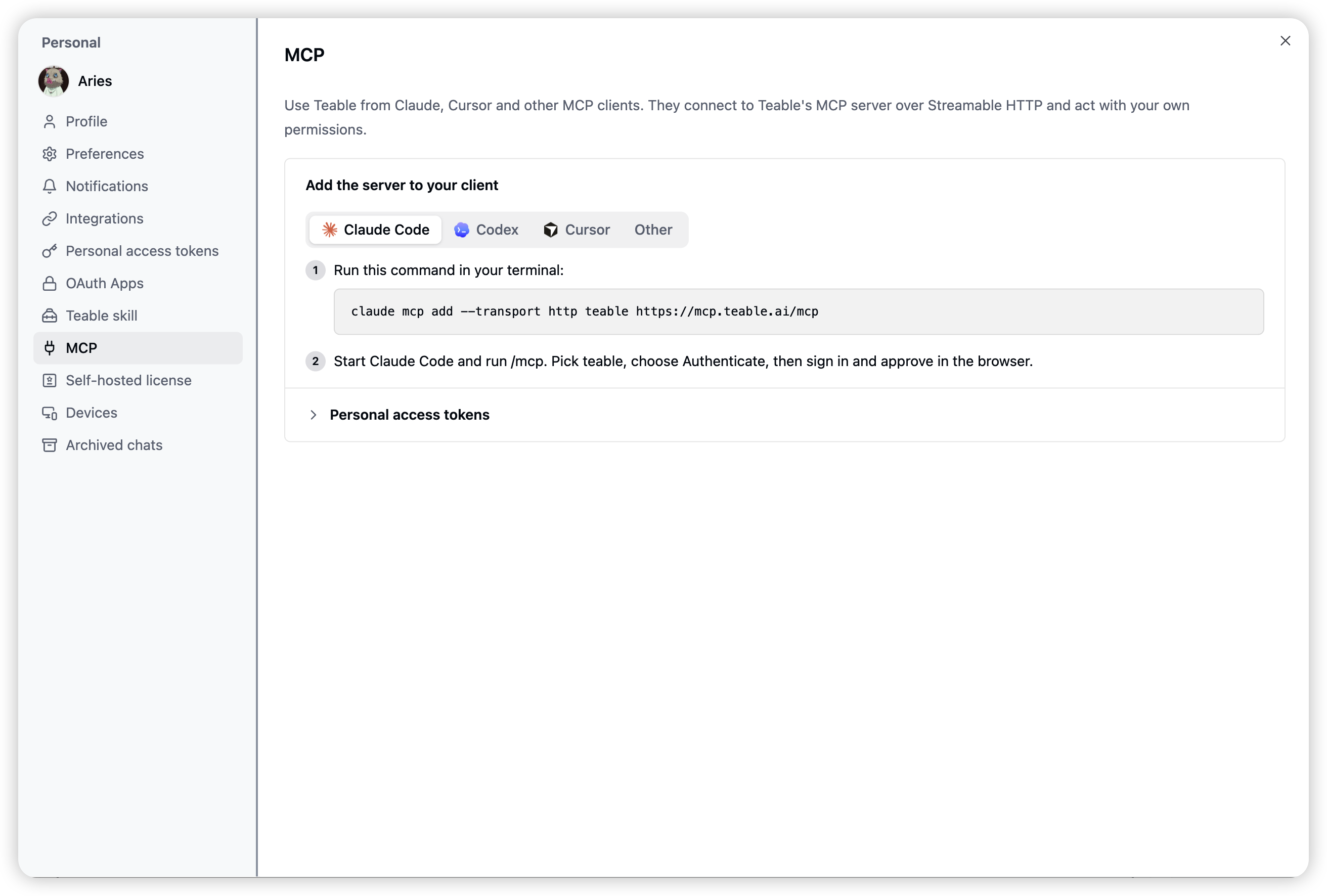
Hi everyone! We just shipped an official MCP server for Teable. You
can now use your Teable data from Claude Code, Codex, Cursor and other
MCP clients, with your own permissions. No API key needed: the client
asks, you approve once in the browser, done.
Claude Code
claude mcp add --transport http teable https://mcp.teable.ai/mcp

Then run /mcp, pick teable and choose Authenticate.
Codex
codex mcp add teable --url https://mcp.teable.ai/mcp
codex mcp login teable
Cursor and others: add https://mcp.teable.ai/mcp as a remote MCP
server. The setup for each client is in Settings → MCP.
It’s an early release, so please give it a try and tell us what works, what doesn’t, and which client you use.
We’re collecting feedback right here in this thread. Reply below
with anything you notice: a bug, a tool you wish existed, a client
that won’t connect, or just what you built with it. Thanks!