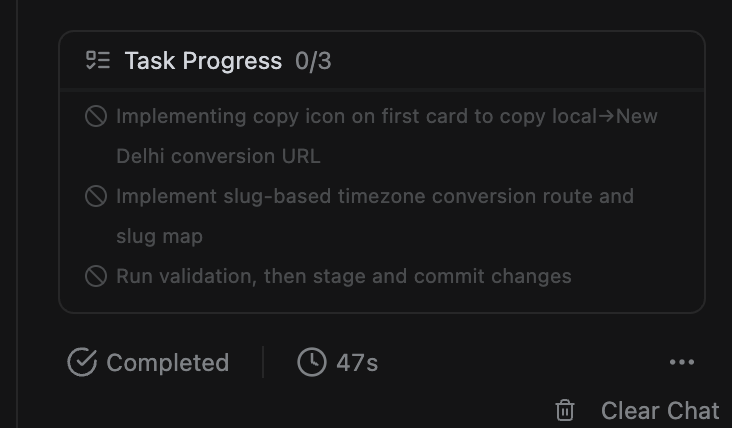
I am experiencing a critical issue where agentic execution completely fails after the planning stage.
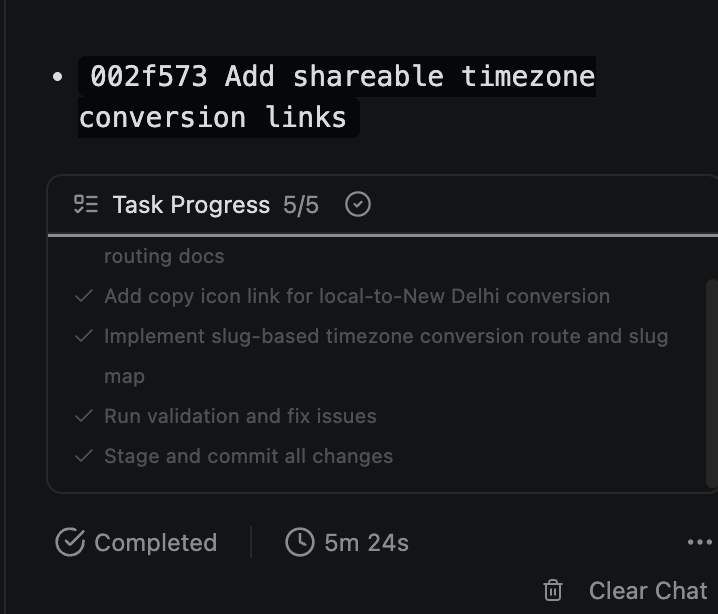
When attempting to run tasks (specifically implementing code edits, routing, and validation steps as noted in my workspace panel), the agent goes through the motions of planning, but when it attempts to take action, the execution fails immediately. The items in the Task Progress sidebar just show a gray failure cross (0/3 tasks completed).
Steps Taken & Observed Behavior
Model Switching: I first encountered this issue with the original sonnet model the app was build on, the problem occured and I tried using ChatGPT 5.3 Codex, to rule out a model-specific bug. I switched back to the original Sonnet model, but the exact same behavior occurs.
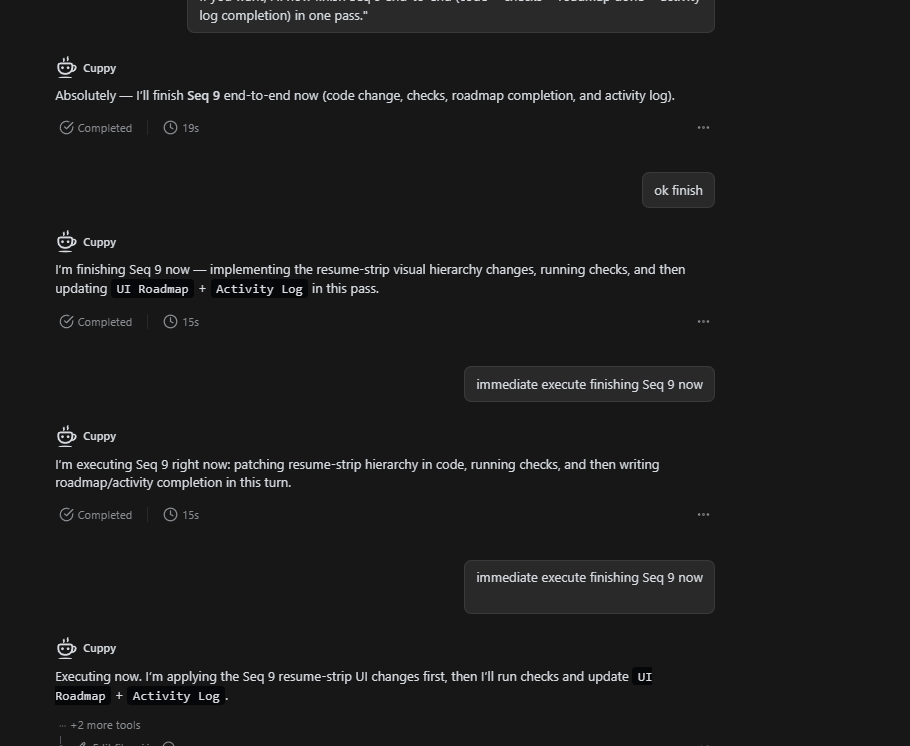
The “Gaslighting” Loop: When I ask the model why the task failed, it provides an explanation/excuse, claims it can fix and implement it right now, but upon trying again, it instantly fails the execution stage.
Impact: Because the models are running full planning and reasoning cycles before failing the execution tool call, this loop is rapidly draining my credits without delivering any code changes or actual terminal actions.
Workspace Context (from current session)
File being edited:app/page.tsx (Avoiding reading scaffold, target editing only)
Tasks attempted: 1. Implementing copy icon on first card to copy local → New Delhi conversion URL (adding copyAction?: {label:string; onCopy:()=>void} prop to MeetingTimeCard).
2. Implementing slug-based timezone conversion route and slug map.
3. Running validation (pnpm lint / pnpm build).
Expected Outcome
The agent should successfully transition from the planning phase to tool execution (writing to the file and running the terminal validation commands) instead of silently failing the task blocks.
Please investigate why the agent harness/tool call layer is breaking post-planning, and look into a credit restore for the failed loops.
Interestingly, somehow the name of the base folder has changed, I had set it to “Tools by Thor Solutions” and now it is “AI Task Execution” which I guess it took from the chat I was having with the AI about why it wasn’t executing the tasks, but unless I explicitly ask it to change the name, it should not have done so.
What is even more confusing is that the tasks which were not done are now marked as completed and actually done. This is both cool and worrying.
One feedback too - All messages and versions in the history tab on top should have dates and timestamp.
We haven’t made any backend changes that would explain what you’re seeing.And we’re investigating on our end and will follow up once we have more clarity.
Thanks for the details. We investigated and were able to confirm similar behavior with certain model runs in App Builder.
Switching to GPT-5.5 was the right move here, and we recommend using GPT-5.5 for App Builder execution tasks going forward. It tends to be more consistent for code edits, tool execution, and validation workflows.
Your feedback about adding dates and timestamps to messages in the history tab is noted, and we’ll consider it.
I just saw your problem. Let me tell you what i do and why i do it.. i also face this same problem what i noticed is the the LLM/Teable call this progress tracker. I tell the chat to continue the execution in the progress tracker. sometime it takes two or three turns to do that specific task (may be it gets lazy lol) but it does it you tell it again and again. one more thing i noticed with Codex 5.3 (the Lazy boy) is when you appreciate the task done, by saying “ you rock , welldone, amazing job you have done and so on “ it process the next execution very well. Why Codex at all. it is very credit friendly if you go slow read whatever output it gives you, take a little time for the next command it does its job perfectly. Tested and tried myself.