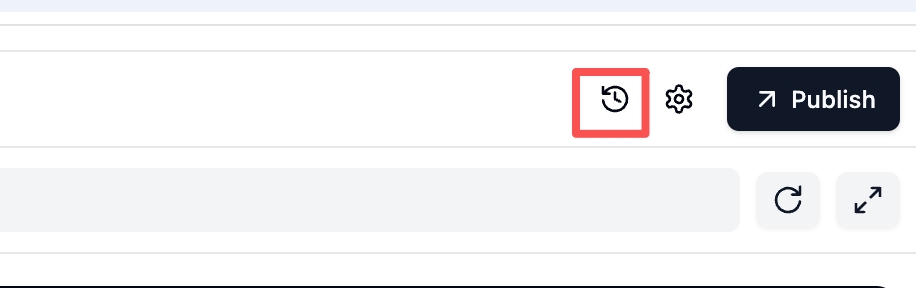
I asked the AI agent to fix the design (only the color scheme) so that everything would be in the same style. But for some reason, the AI agent couldn’t do it in 10 prompts… As a result, I spent about 4,371 credits, and at the last moment something happened on the development server and my web application was completely ruined. All the functions were just deleted, leaving only the design of the main page, which was not working. I wanted to undo the last change, but couldn’t find a way to do so.
Therefore, I would like to have the ability to manually edit visually (I don’t know the code) so that I can at least simply correct the color of the application…
I also noticed the following peculiarity: when there is an internal server error, tokens are still deducted from my balance, even if I don’t end up getting at least some working version of the application. The system (AI agent) asks me to try repeating the request after a while. But even then, there is no guarantee that everything will work properly, and my credits will be deducted again, and I will not receive a working web application…
Thank you for the detailed report. I’m sorry to hear about the issues you faced.
Let’s address the points you raised:
To Fix Your App: Please use the rollback to restore your application to its last working version. You can then try the design prompt again from that point.
Regarding Errors and Credits: We are aware of the stability issues and the problem with credits being deducted on failed builds. Our team is focused on enhancing the app-building process to resolve this.