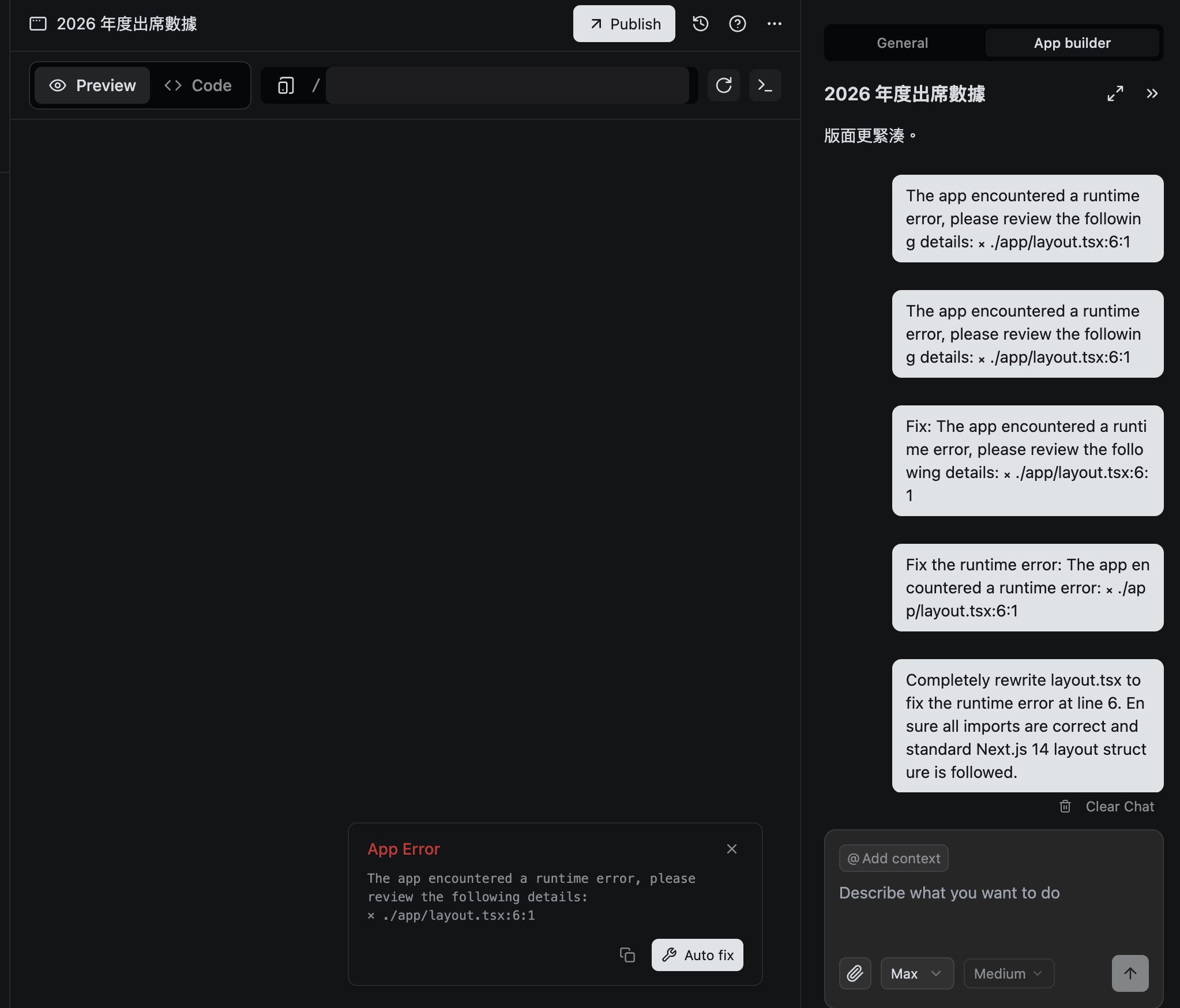
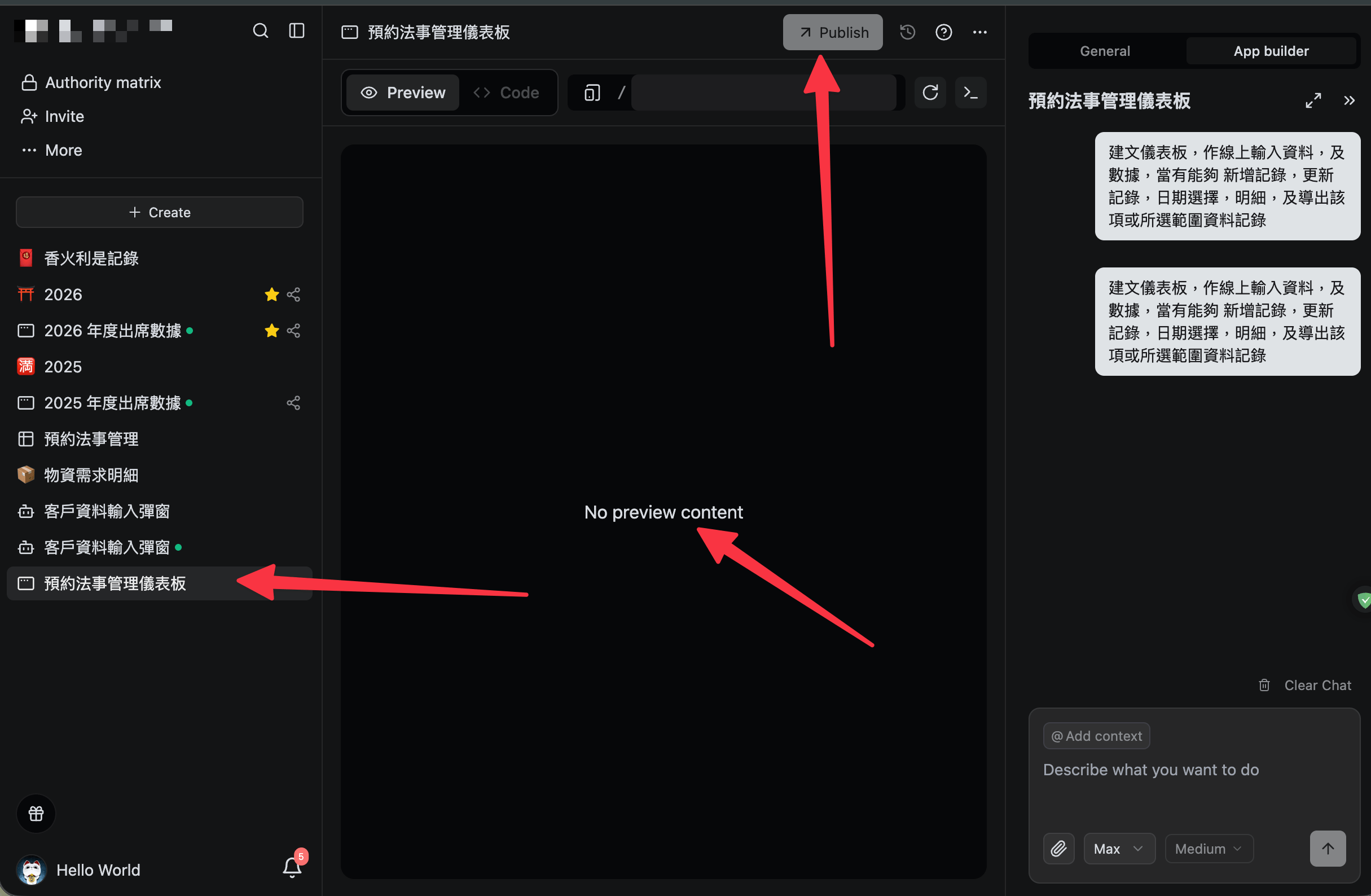
Every app/dashboard cannot display, nor can it be fixed. It keeps consuming points continuously. The AI chat command does not show any progress whether it is operating or not, and when I repeat the same command, it consumes points again. The update caused more bugs. Can you refund the points deducted due to system issues? Your points are very expensive, and BYOK is not supported.
Error:The app encountered a runtime error, please review the following details:
⨯ ./app/layout.tsx:6:1
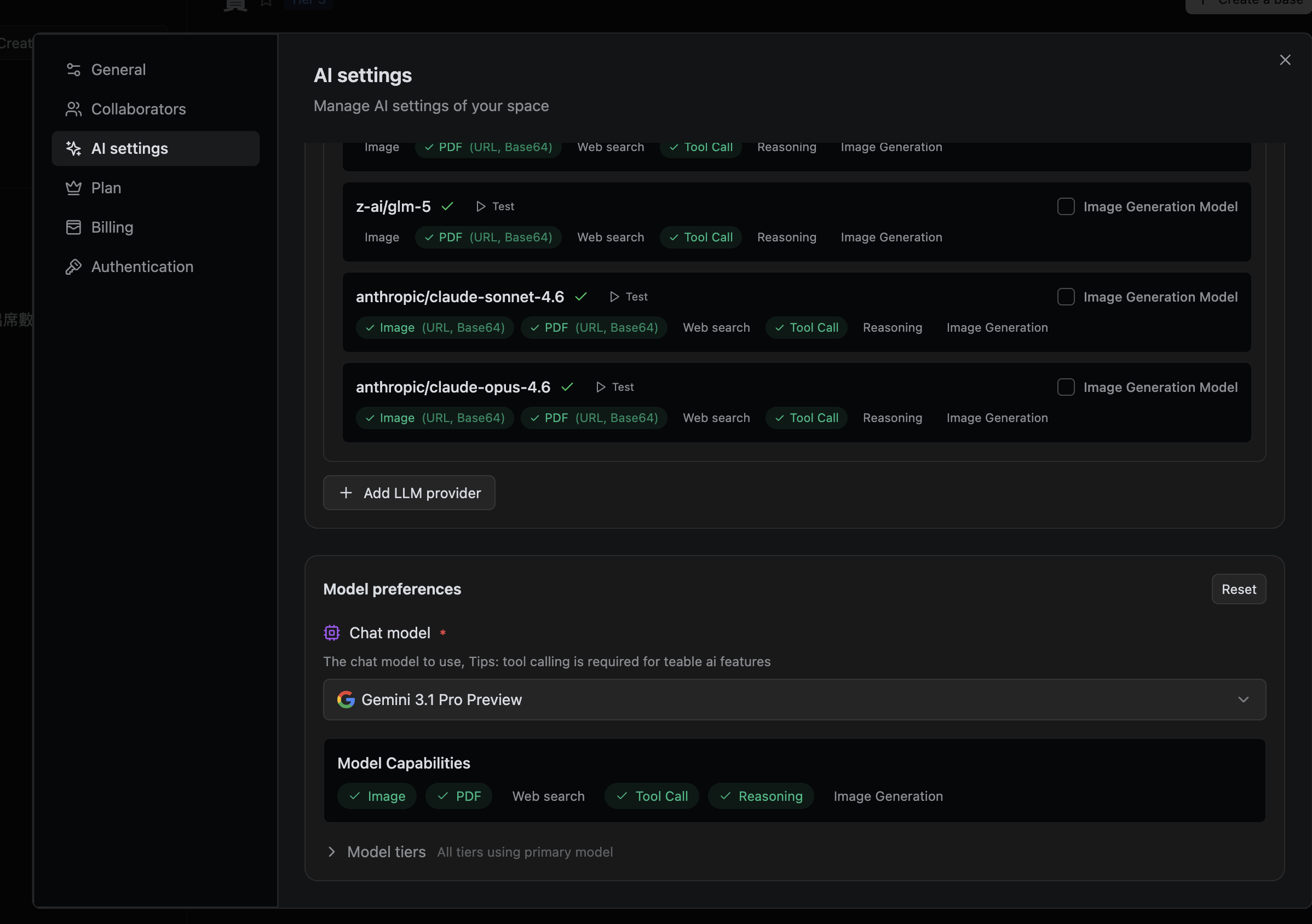
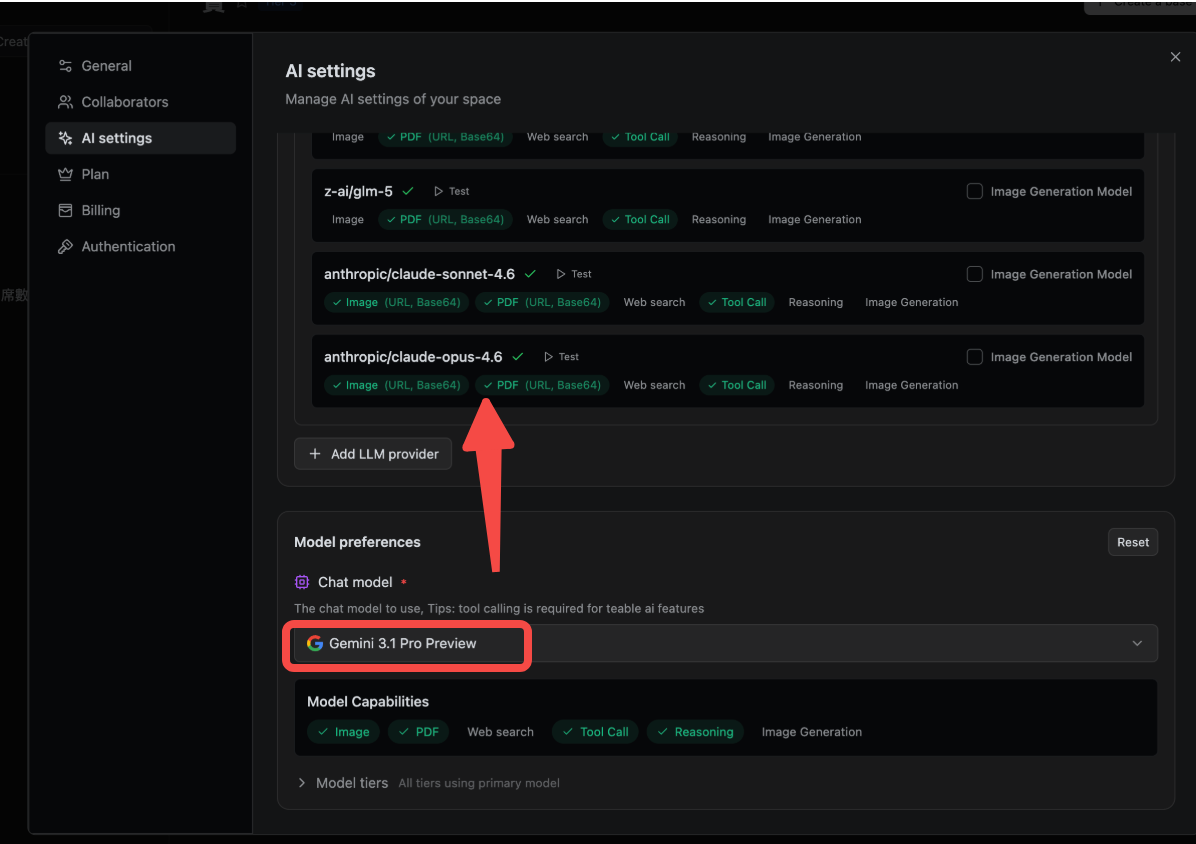
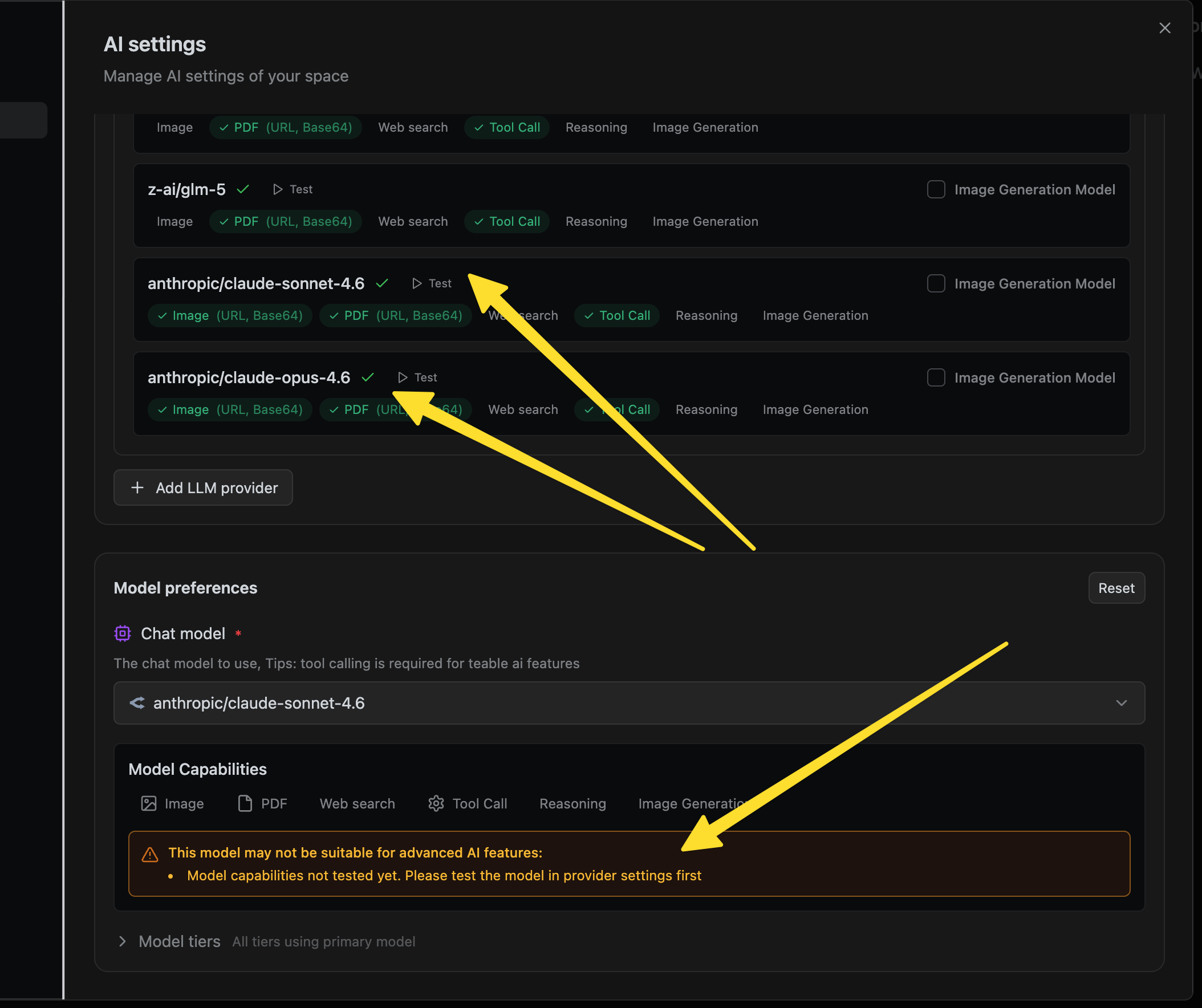
hi @Hello_World , We found the issue may be related to BYOK (Bring Your Own Key).
We recently updated App Builder’s agent to route through a new AI Proxy that defaults to Anthropic-compatible endpoints. If you previously configured a BYOK key for a different provider, it may no longer be compatible with the current endpoint format. Please try switching to the default Teable model to verify, and if you’d like to continue using BYOK, ensure your provider supports Anthropic-compatible endpoints.
How should I set it?
Or which one should I configure?
I entered openAI for the API, but since April 6th, the credits were reset, so I have been using the system default credits. Look at the bottom right corner of the previous attachment; it is using the system default.
Regarding the App Builder issue — our team is actively working on a fix. We’ll keep you posted once it’s resolved.
As for the error when selecting a model, that error message can be safely ignored — the model should still run normally. If it doesn’t work as expected, try removing and re-adding the model.