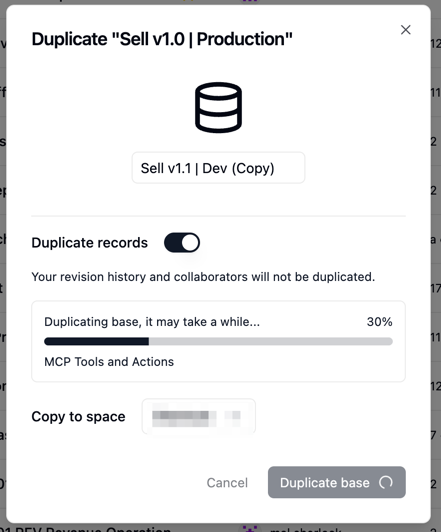
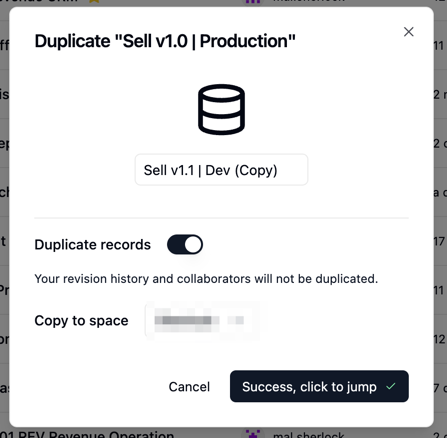
Backup Import Failed | Request timeout (request_timeout)

Hi Team,
I am having a problem importing a .tea file that I just exported as a backup.
I tried 3 different times to import and all failed.

File size 3.6mb
Base Details :
29 - Folders
149 -Tables
310 - Views
3,174 - Fields
15 - Apps
8 - Automations / Worflows
694 - Records

Mac0S M1
Chrome Version 148.0.7778.179

Error Message on Import.

1- Request timeout (request_timeout)
or
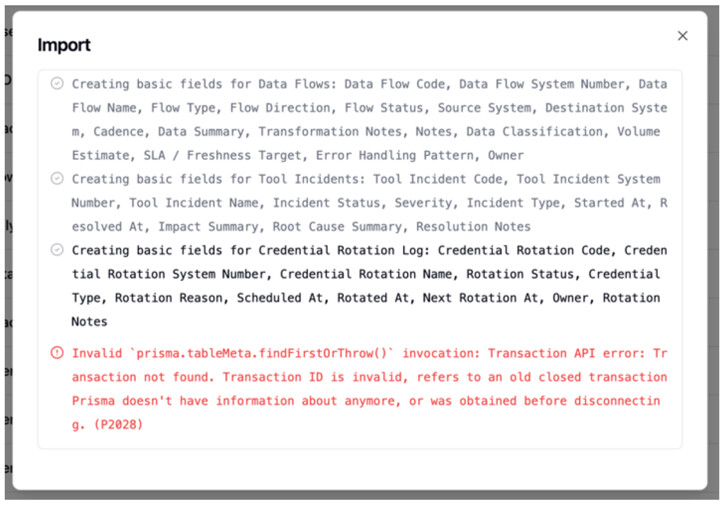
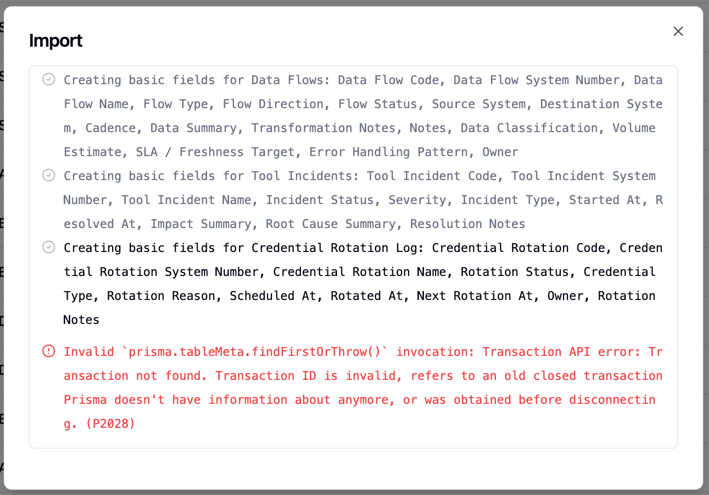
2-Invalid `prisma.tableMeta.findUniqueOrThrow()` invocation: Transaction API error: Transaction not found. Transaction ID is invalid, refers to an old closed transaction Prisma doesn’t have information about anymore, or was obtained before disconnecting. (P2028)

EDIT:

Import stage Status
Parse .tea Passed
Create base Passed
Create tables Passed
Create basic fields Passed
Create linked fields Likely fails here / next
Create formulas/lookups/rollups Not reached or partially reached
Create views Not reached
Import records Not reached or not completed
Import apps/workflows Not reached

This looks like the import transaction is timing out or closing before the base import completes. Can you increase the transaction/import timeout, or advise whether apps/workflows/linked fields are causing the failure?

What are the hard limits, so i know what the build limits are before it chokes.

Let me know what I can do.

Mal

Hi Mal,

Thanks for the detailed report.

We’re investigating this import failure now and will keep you updated.

Thanks Leo,

I appreciate the team lookin into this.

Just to let you know that duplicating the base also fails. No error messages appears in the pop-up. It cycles for a few minutes and the Duplicate button reappears.

Mal

Hi @Mal,

Please try this:

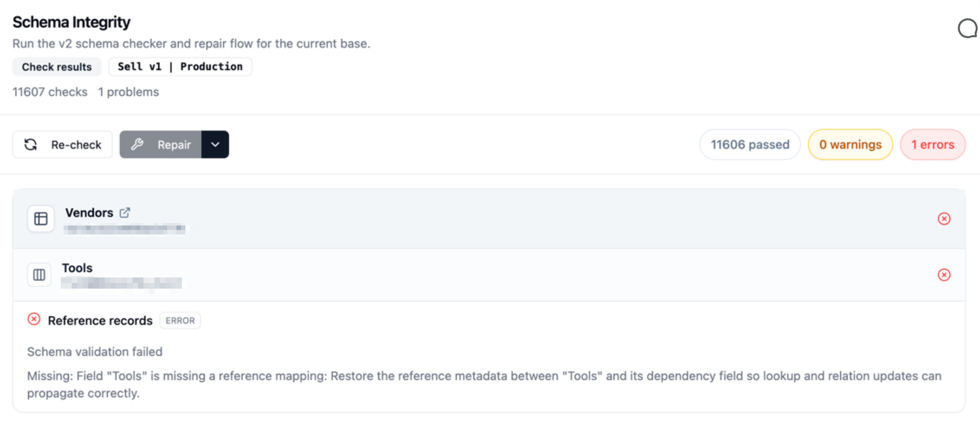
Top-left three-dot menu → DesignCheck

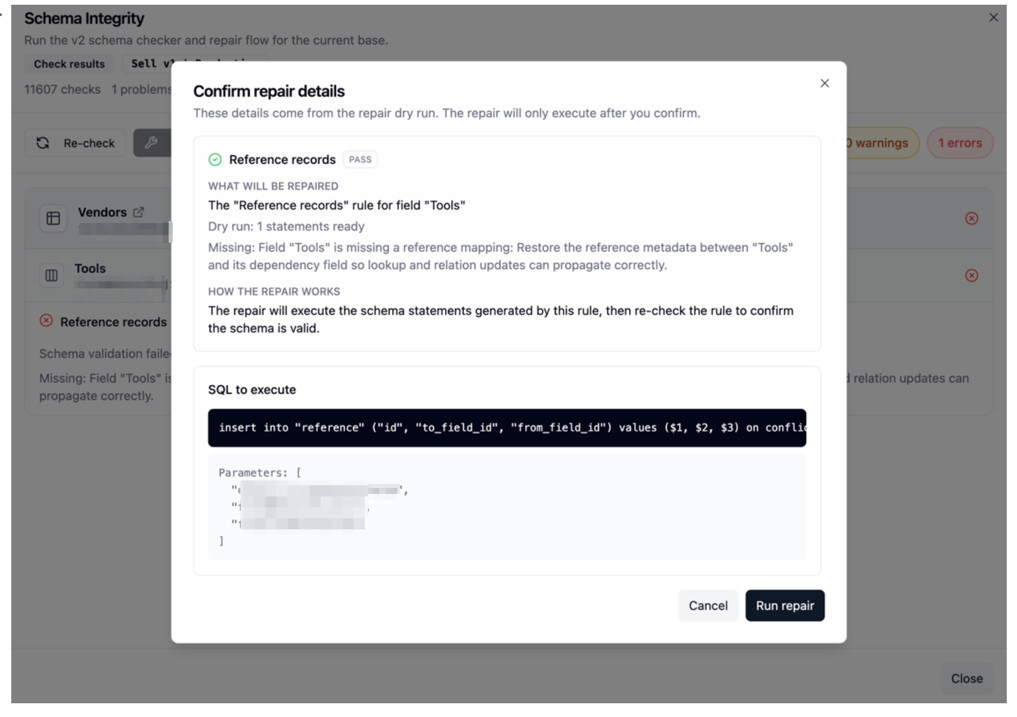
After Check finishes, if you see Repair, click it.

If Repair completes successfully, please try duplicate or import again.

If issue still happens after that, let us know.

Hi Leo,

It found 1 error & fixed it.

but I do get the same issue.
I exported the repaired base, reimported and get the Import error. I also cant duplicate the base within teable.

I appreciate your help.

Mal

Hi @Mal ,

We identified the issue and made an adjustment on our side.

Could you please try the import or duplicate again now and let us know if it still fails?

Thanks for your patience while we checked this.

Good morning @Leo

Thank you for the update.
I tested the base (no errors), exported the base & then Imported it

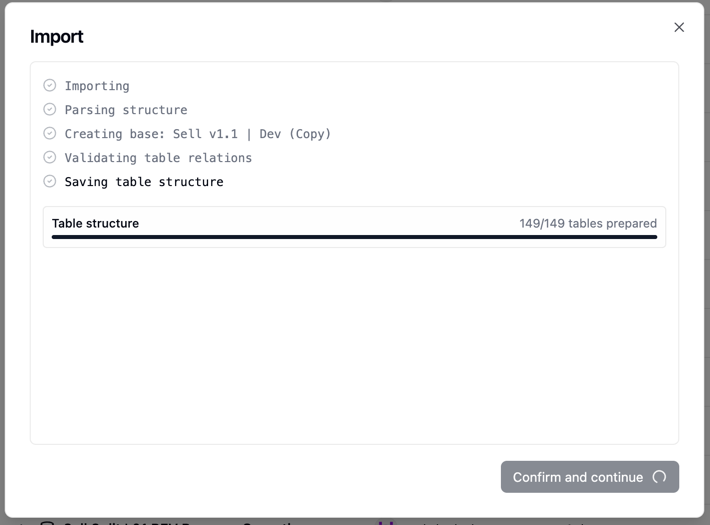
See below.

I do appreciate all your time and effort in getting this resolved.

Mal

Hi @Mal,

Thanks again for your patience with this.

We found that the import and duplicate failures were caused by two separate issues, and we have now made fixes for both.

Could you please try the export/import and duplicate flows again when you have a chance, and let us know if either one still fails?

Sorry for the back and forth, and thanks again for helping us verify this.

1 Like

@Leo

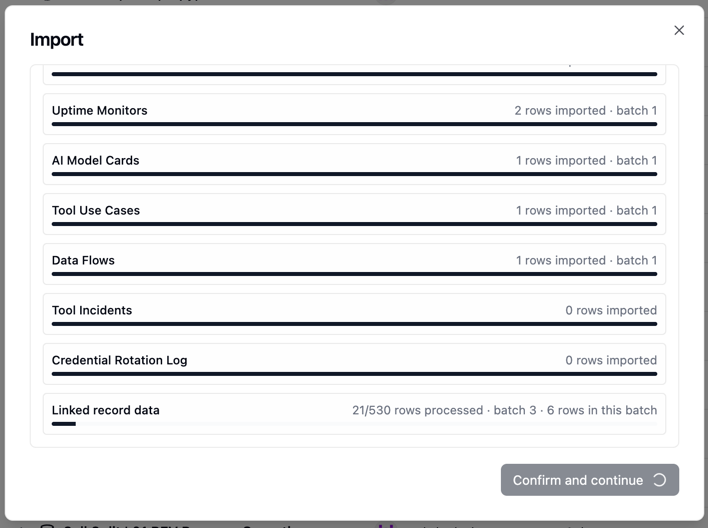
OMG!! Batch imports with linked record visual validation. Amazing.

Just wanted to say a huge thank you! You guys are world-class, and the support you provide is amazing !! You’ve built an absolute monster here, and I really appreciate all the hard work you put into fixing this problem. The

1 - Duplicating a very large base with 149+ tables now works perfectly
2- Importing a very large base with 149+ tables + 530 linked records works perfectly.
Watching the visual import log is amazing. Wow!!
Seriously, it means a lot.

Thanks again!

Mal

Hi @Mal,

Really glad it’s all working now, your detailed reports made it much easier to track down both issues.

We’ll keep building Teable to be the best experience in its category. Thanks for being part of that journey!

1 Like