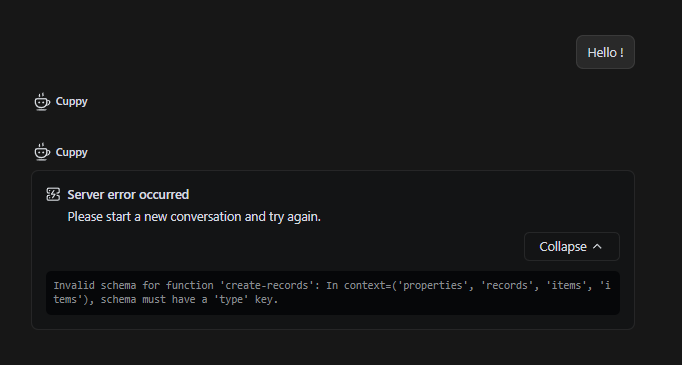
Hi ChrisHK, thanks for reporting this error. The Invalid schema for function message typically occurs when a specific model’s API handles tool-calling schemas differently than the system expects.
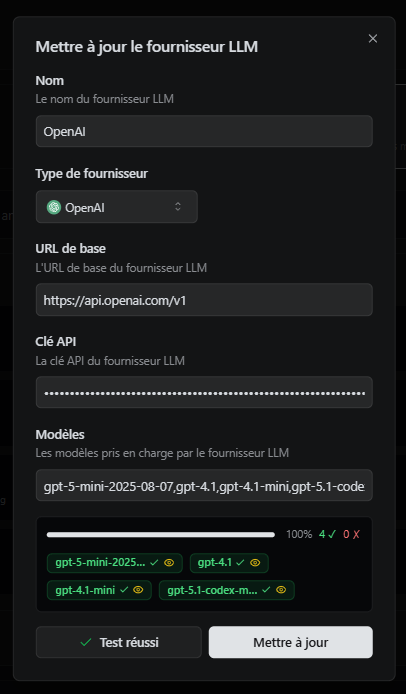
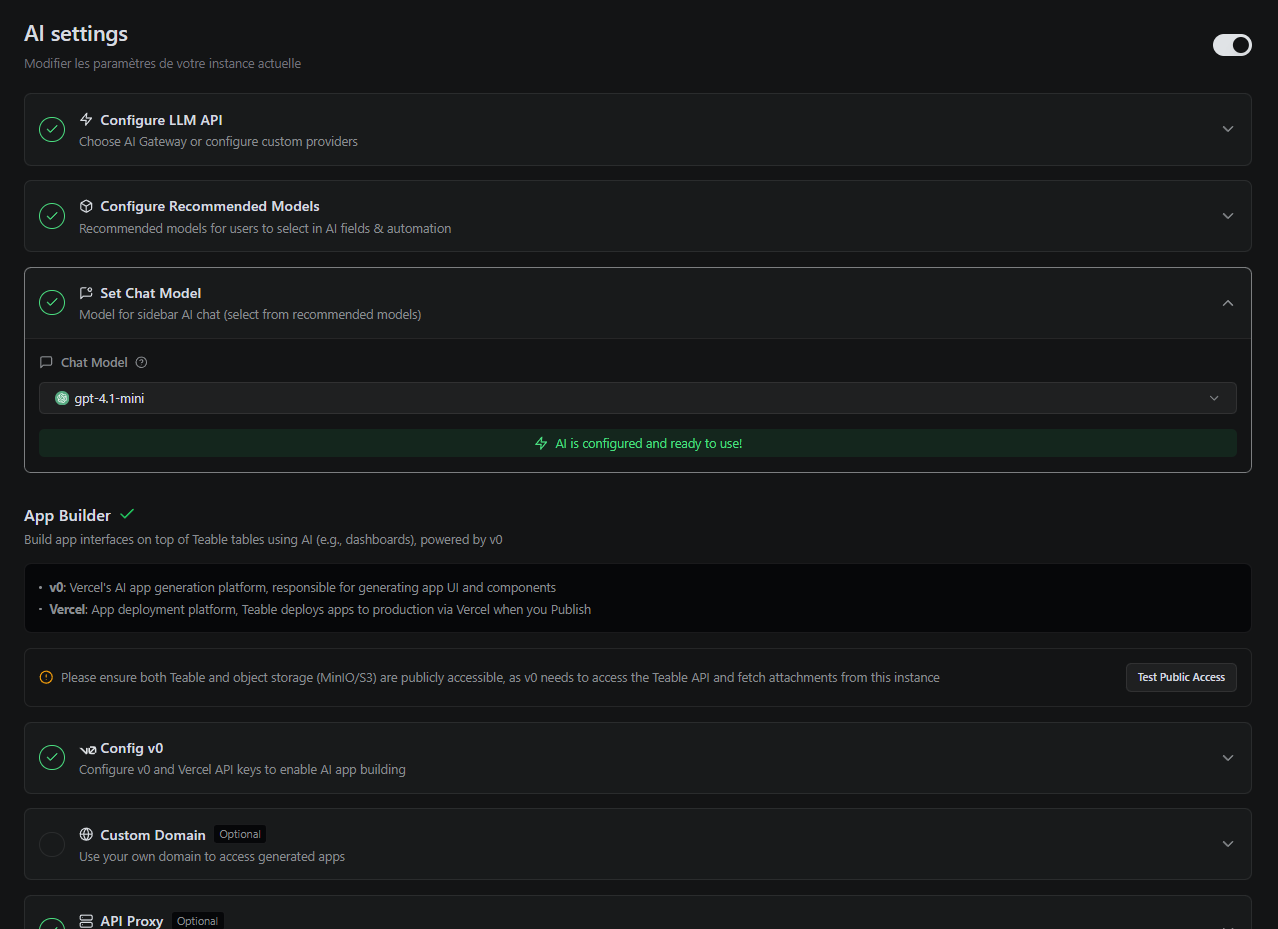
To help us troubleshoot this effectively, could you clarify exactly which model you currently have selected as your active Chat model?
BTW, we recently handled a similar issue that might be causing this schema error. As a quick troubleshooting step, could you try upgrading your self-hosted Teable instance to the latest version?
Also, please let us know your current Teable version number.
The current version of my self-hosted Teable instance, deployed 1 week ago or so, is : 0.5.0-alpha+1.10.0-build.989 . I’m going to check if there’s a newer versio, and if there is, I will update my instance.
I’ve deactivated the Cloudflare’s “Bot Fight Mode”, as you recommanded to me, and this solved the download file issue I had previously. Could this be linked to the new issue I have ?
Could you please try updating to the newest version to see if the issue persists? If you still encounter the same error after updating, please let us know and we will investigate this further.
So, how do you recomand to migrate from the teable:latest to the new (?) teable-ee:latest container ? Knowing that I have a business licence already paid / installed on my VPS.
Actually, the ghcr.io/teableio/teable:latest and ghcr.io/teableio/teable-ee:latest images are the same. You do not need to change the image address or migrate anything in your deployment configuration.
I have encountered this situation before where pulling the latest tag doesn’t immediately fetch the newest build. I suggest waiting a little while and then pulling the image again (e.g., running docker compose pull) to update your instance.
Please let us know if the schema issue persists after you successfully update to the newer build. Thanks!
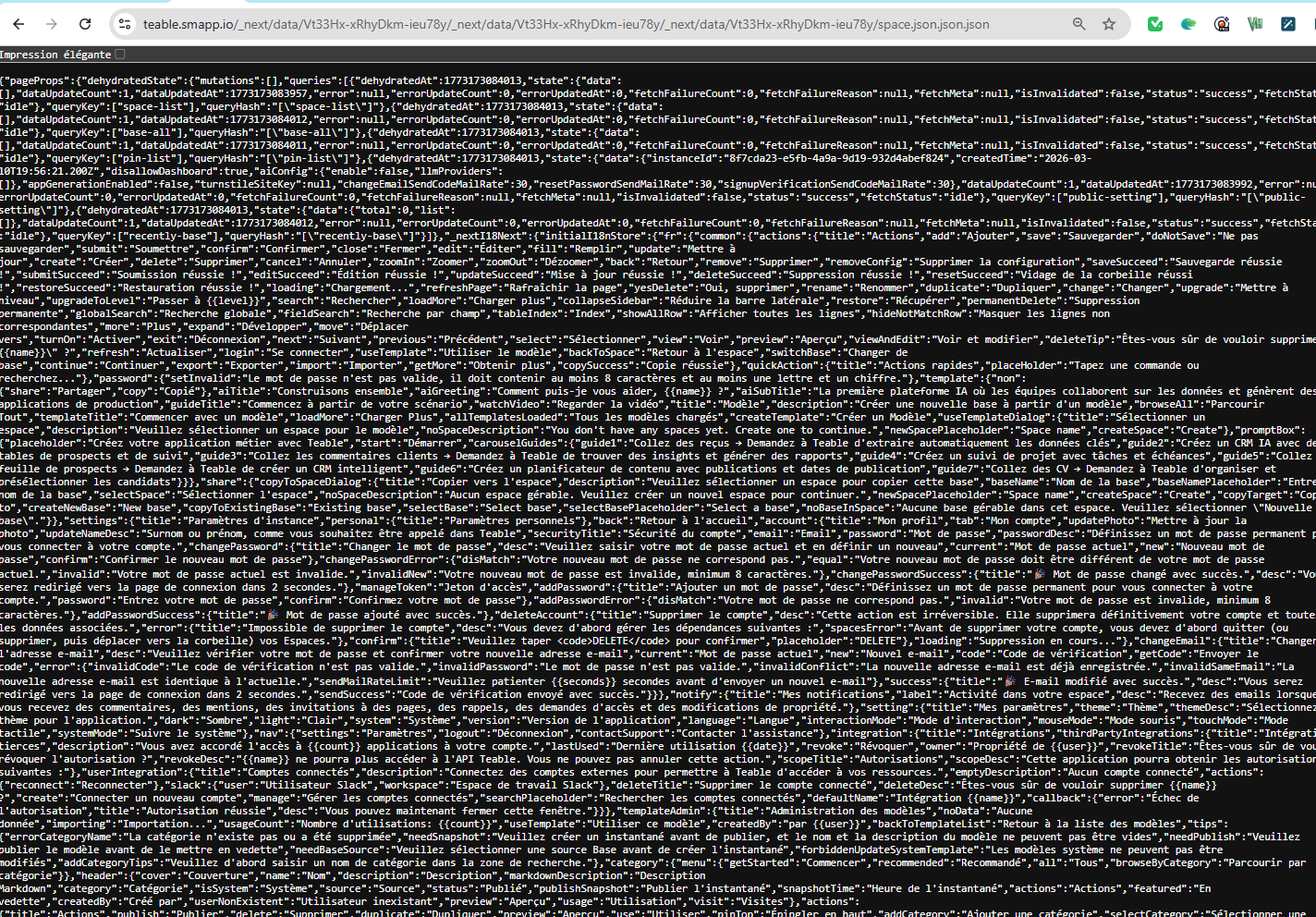
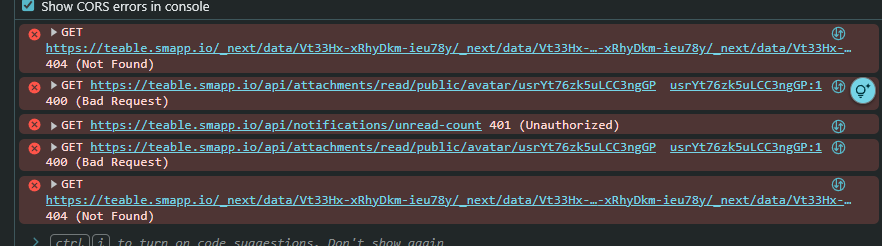
After 15 minutes, the upgraded Teable instance is became “stable” again, I mean : I was able to login but everything has been wiped out! No more data.
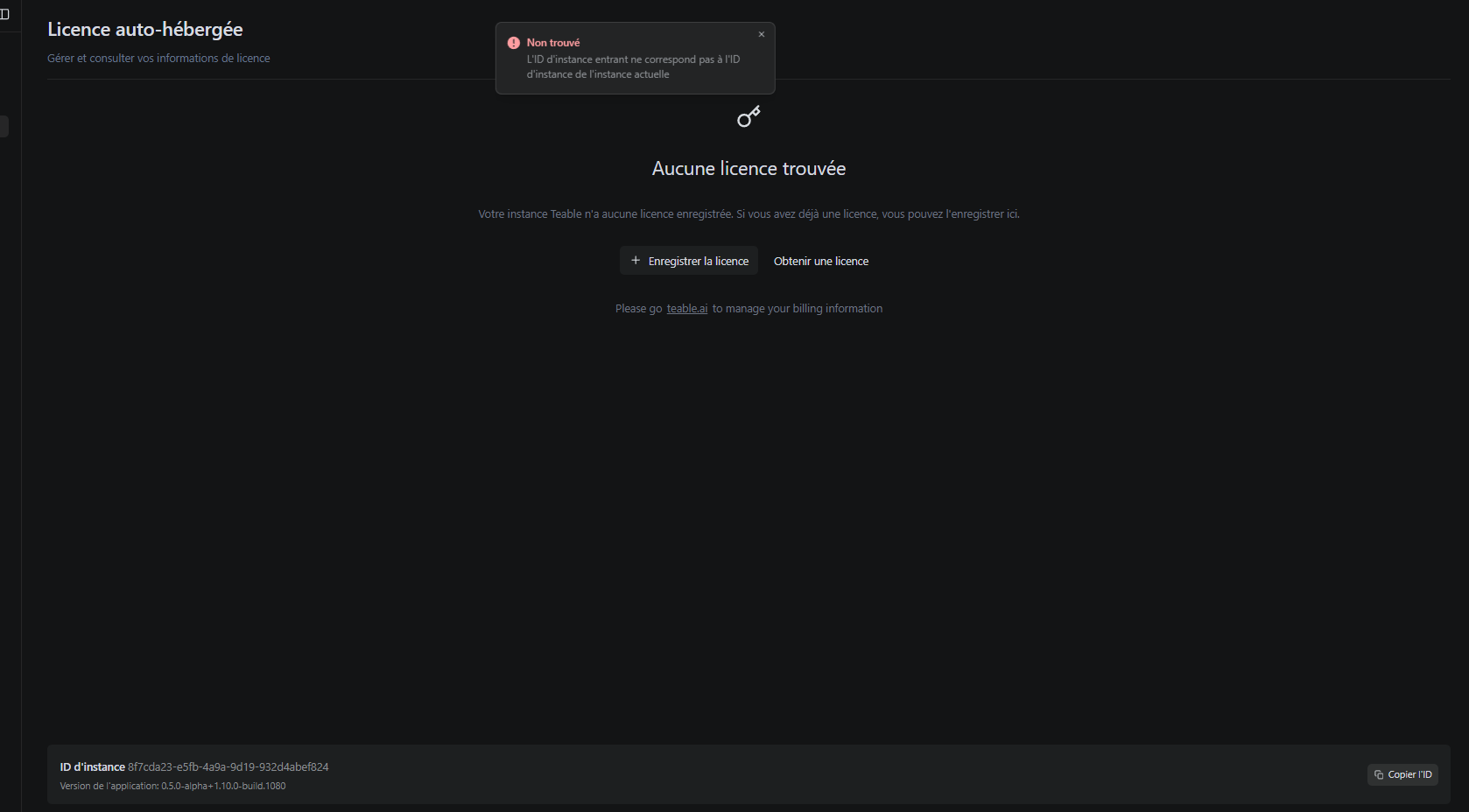
Well, but worst : no more Business Licence set. So I’ve set my Business Licence again and … not accepted and I’m said that the licence ID does not match the instance ID !..
What can I do now ???
Please HELP.. the Teable upgrade completely wiped my ongoing instance and changed the instance ID ?!
Wow… During the upgrade, I ran the Docker Compose CLI… BIG mistake: I had two Teable instances running, and the unlicensed one was the second, but the one I connected via the interface (web)
After removing that second instance, I ran the upgrade twice via Dokploy, and on the second attempt the Teable version finally updated.
So… all good now. The Teable instance is upgraded and the license is active. Whew!
I know the Cloud option is recommended, but as an EU citizen handling EU citizens’ personal data, I simply can’t use any cloud app that isn’t GDPR-compliant..
Great to hear it’s resolved! Given GDPR and data compliance requirements, self-hosting is a solid approach.
Standard Upgrade Procedure
To avoid “dual-instance” issues (license conflicts or port errors), follow these steps for future updates:
Pull latest images: docker compose pull
Stop old containers: docker compose down (Crucial step)
Start new version: docker compose up -d
Run docker ps | grep teable before starting the new version to ensure no legacy containers are still running. This prevents your browser from connecting to an unlicensed old instance.
OpenAI LLM Status
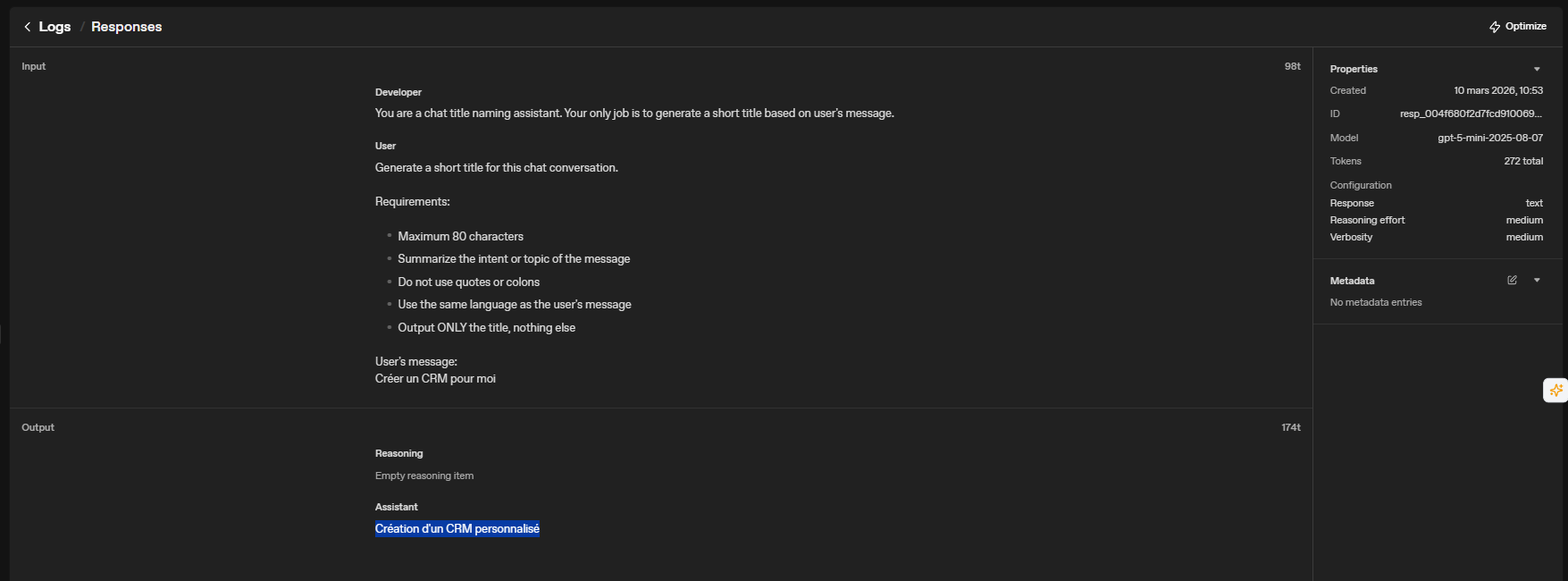
Has the OpenAI LLM functionality been successfully run in the new version?
 Given GDPR and data compliance requirements, self-hosting is a solid approach.
 Standard Upgrade Procedure
 OpenAI LLM Status